Chat with your documents.
Private. Local. Free.
Informity AI indexes your files and gives source-cited answers using local models, entirely on your machine. No cloud uploads, no accounts, no subscriptions.
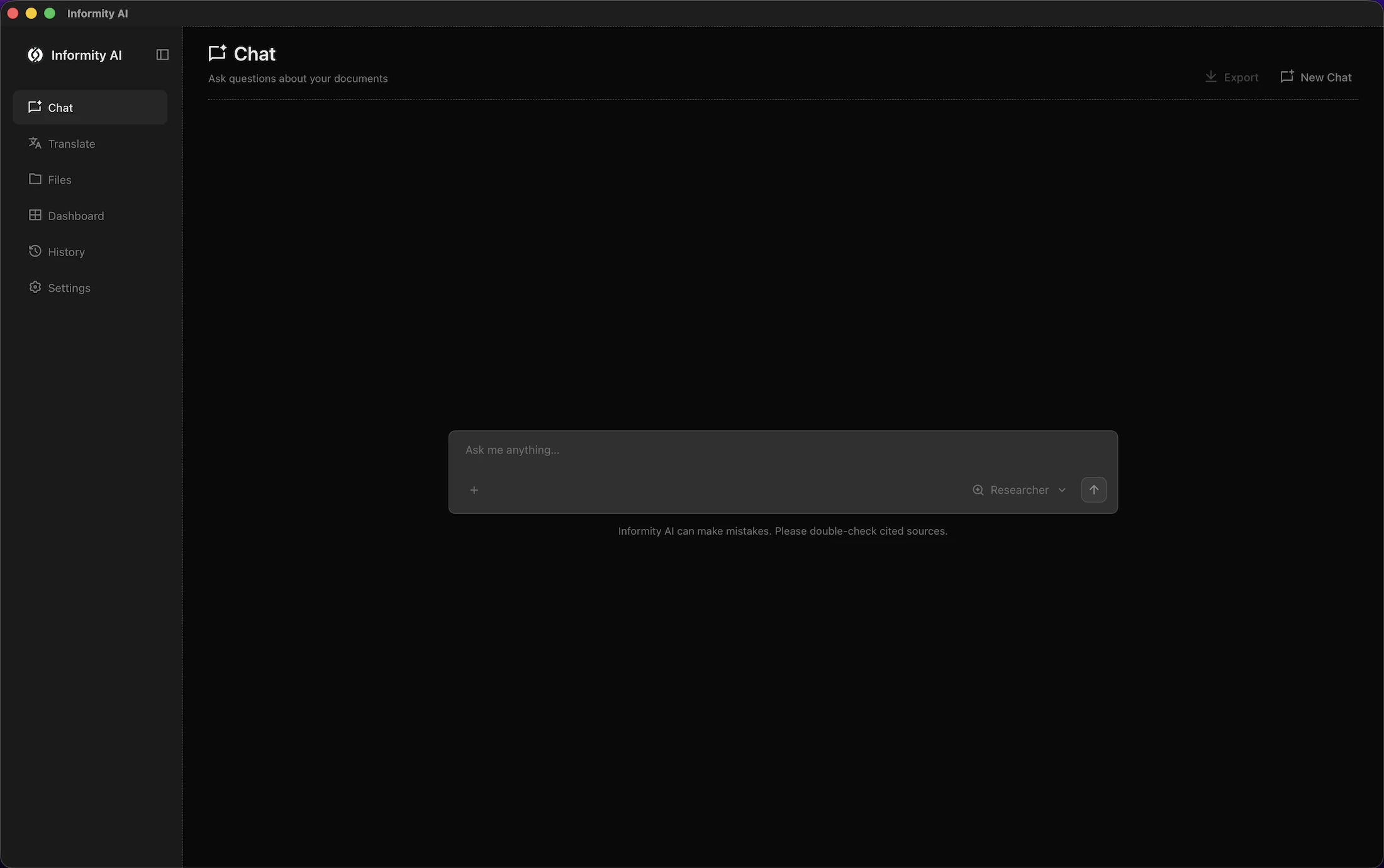


Informity AI indexes your files and gives source-cited answers using local models, entirely on your machine. No cloud uploads, no accounts, no subscriptions.
No configuration complexity. Point, index, ask, verify.
Select one or more folders on your machine and let Informity AI handle the rest.
Your files are processed and indexed locally. No cloud, no external services.
Type in plain language. Answers arrive as streaming text, grounded in your documents.
Every answer cites its sources. Open the original file with one click to review.
Type questions in plain language and get answers grounded in your documents, with citations you can verify. Everything runs on your machine, streamed in real time.
Every answer references the exact file and passage it came from. Click any citation to open the original document.
Search across PDFs, DOCX, XLSX, PPTX, Markdown, HTML, EPUB, and more. Drop a file directly into chat for instant scoped answers.
Researcher mode answers strictly from your indexed documents. Assistant mode handles open questions with optional web search, always opt-in.
Run the bundled local model or connect your own Ollama instance. Choose Small, Balanced, or Quality to match your hardware.
Open any file from your library or upload a new one, and get a full translation powered entirely by your local model. Nothing sent to the cloud.
Translate to Spanish, French, German, Japanese, Chinese, and many more, using the same local model you use for chat.
Choose Natural for flowing prose, Formal for professional documents, or Literal for word-for-word fidelity.
Headers, tables, lists, and code blocks all survive translation intact, preserving the original structure.
Download as Markdown or plain text, or copy the full translation to clipboard in one click. Works with PDFs, DOCX, and any file in your library.
Specialist modes that tune how the AI reads and analyzes your documents. All local, all private, selectable per chat.
Interprets budgets, invoices, and financial documents with precision. Flags cost drivers and downside risk.
Reads contracts and agreements carefully. Surfaces key clauses, obligations, and liability allocation.
Helps interpret health records, clinical notes, and insurance documents. Separates documented facts from interpretation.
Reviews documents for risks, access issues, and compliance gaps. Maps findings to common frameworks when evidence supports it.
Understands code, specs, and technical docs. Precise with terminology, architecture tradeoffs, and feasibility risks.
Built local-first from the ground up. Your documents, your models, your machine.
Download and use immediately. No sign-up, no email address, no credit card, no ads.
Your documents never leave your machine. All actions are local, fast, and under your full control.
Zero telemetry of any kind. No data is ever collected, stored remotely, or transmitted anywhere.
Every line of code is auditable on GitHub. Free to use, inspect, and modify forever under the MIT License.
No. Indexing, embeddings, vector search, and chat all run locally on your machine. Nothing is ever uploaded to any server.
Yes, once your local model is installed. After setup, Informity AI runs entirely without an internet connection.
No. Web search is opt-in, Assistant mode only, and requires a Tavily or Linkup API key in Settings. Only your query text is sent and your documents stay local. In Full Privacy Mode, web search is off by default but can be enabled per chat.
PDF, DOCX, XLSX, CSV, PPTX, HTML, TXT, MD, RST, LOG, and EPUB. JSON, YAML, and TOML are available via Settings. OCR is enabled by default for scanned PDFs.
The default is Qwen3.6 35B A3B, optimized for Apple Silicon. Lighter profiles are available for 16 GB machines. You can also connect your own Ollama instance in Settings and use any model you have installed.
macOS with Apple Silicon is required for the default Qwen3.6 35B A3B model, with at least 24 GB unified memory recommended. Smaller model profiles are available for 16 GB machines.
Download the app, run the installer, and point Informity AI to your folders. The first index build takes a few minutes depending on how many files you have. After that, just ask.
Yes, completely. Informity AI is free and open source under the MIT License. No accounts, no subscriptions, no usage fees, no paywalled features, no ads. Ever.
Source-backed answers from your own files, running entirely on your machine. Free forever. Fully open source. Full stop.